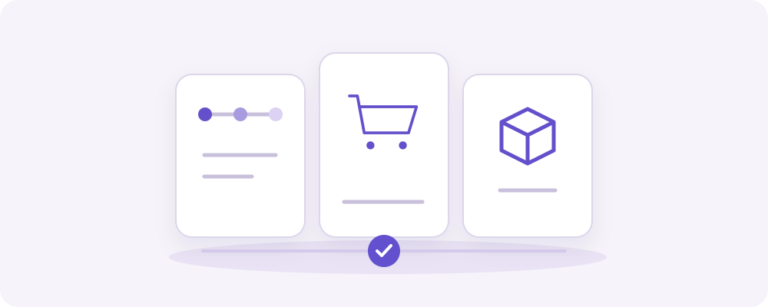
Three building blocks for a stronger WooCommerce process
Commerce Bundle by Yindle combines three separate plugins for different moments in the customer journey: Checkout by Yindle guides the checkout, Share Cart by Yindle makes carts shareable and Kit Configurator by Yindle creates configurable products from real WooCommerce lines. Together they support stores that want to connect choice, collaboration and checkout in one process.
The bundle is one purchase containing three separate plugin licenses: one for Checkout, one for Share Cart and one for Kit Configurator. You receive a separate license key for each plugin. The selected site allowance applies to each plugin individually. For example, a five-site bundle can activate every included plugin on up to five standalone WordPress websites. The bundle does not create one shared pool of activations. Terminal Payments is not included.
What is included?
- Checkout: a guided classic checkout while WooCommerce owns pricing, tax, stock, shipping, payment and orders.
- Share Cart: temporary share links, imports without an account, saved carts for signed-in customers, Cart Block support and print output.
- Kit Configurator: five field types, conditional choices, quantities, real product lines, cart linkage, saved configuration records and sharing through Share Cart.
- Terminal Payments is not included. Physical Mollie POS payments require the separate product.
- Licenses are intended for standalone WordPress websites; Multisite is not supported in the first variant.
Before using the suite, meet the highest minimum requirements of its three plugins: WordPress 6.9+, WooCommerce 10+ and PHP 8.1+ as the combined Checkout baseline. The local combination was checked with WordPress 7.1, WooCommerce 11.1 and PHP 8.4.18. Staging acceptance remains necessary for themes, caching, pricing rules, payment gateways, configurations and mobile flows.
Who is the bundle for?
The bundle fits a store that wants to combine a guided checkout with shared carts and configurable products. Start with the plugin that solves the current bottleneck and activate the other components where their workflow adds value. The product pages above contain the details, requirements and limitations for each component.
Frequently asked questions
Is the bundle one license for all plugins?
You make one bundle purchase, but receive a separate license key for Checkout, Share Cart and Kit Configurator. The selected site allowance applies to each plugin individually.
Is Terminal Payments included?
No. Terminal Payments is a separate product for Mollie POS.
Where can I learn more about e-commerce workflows?
Read the e-commerce knowledge base and the integrations knowledge base. Read our guide: When a WooCommerce plugin bundle fits your complete customer journey.