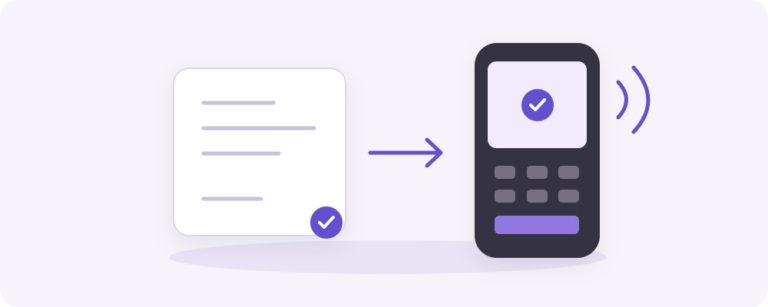
Terminal payments from an existing WooCommerce order
Mollie Terminal Payments by Yindle is a WooCommerce payment gateway for Mollie POS. An authorized staff member, or a customer explicitly allowed on the showroom network, selects an active terminal for an existing order. The store keeps the payment status and checks the order, amount, currency, profile and terminal before WooCommerce completes the order.
New installations start with full terminal payment. The gateway supports the classic checkout and WooCommerce Checkout Blocks and declares HPOS compatibility. Existing showroom operations can opt into the maintained legacy pin plus cash profile. In that flow the pin segment always runs first; a cashier then confirms the cash segment with an employee ID and confidential PIN.
Requirements for a controlled installation
- WordPress 6.4+, WooCommerce 9.0+ and PHP 8.1+.
- A Mollie account with at least one active POS terminal.
- The matching Mollie profile, terminal assignment and API key source.
- Authorized order access and, for showroom customers, an explicit network allowlist and original checkout session.
- Staging tests for terminal, webhook, retry, recovery and the checkout variant in use.
The plugin does not create accounts or decide when WooCommerce creates one. A guest can be allowed only when the store explicitly enables showroom access. This release does not provide automatic split-aware refunds, multiple pin segments, cash-first processing or automatic cancellation of an abandoned cash leg. A physical Mollie device and merchant acceptance remain required.
Licensing and product boundary
The stable release is v2.0.0. The annual Yindle license for this plugin is separate from the payment gateway used by yindle.com. The store can therefore offer a Terminal Payments license while live charging and recurring renewals still require separate setup and verification. Choose the number of standalone WordPress websites in the offer above; Multisite licensing has not been verified as supported.
Frequently asked questions
Is this the same as a standard online Mollie payment method?
No. This plugin starts Mollie point-of-sale payments on a physical terminal. Use the correct Mollie profile and terminal configuration.
Can guests pay?
Only in the explicitly enabled showroom mode, with network and session controls. Staff-only remains the safe default.
Where can I learn more about WooCommerce payments?
Read the e-commerce knowledge base and the integrations knowledge base. Allow time for maintenance and a clear handover to support. Read our guide: Preparing Mollie POS terminal payments from WooCommerce.